Overview
Manage Tenant detail in the Varibill User Interface, including company details, billing settings, document templates, and communication preferences.
In the Varibill User Interface, Tenant Details and Document Template settings have been consolidated into a single Tenant Editor page to provide a unified configuration experience.
Access Tenant Detail
To access and configure Tenant Detail:
- From the top Navigation dropdown menu, navigate to Tenant
- Select Tenant Detail
You will be presented with the Tenant Detail Editor screen:
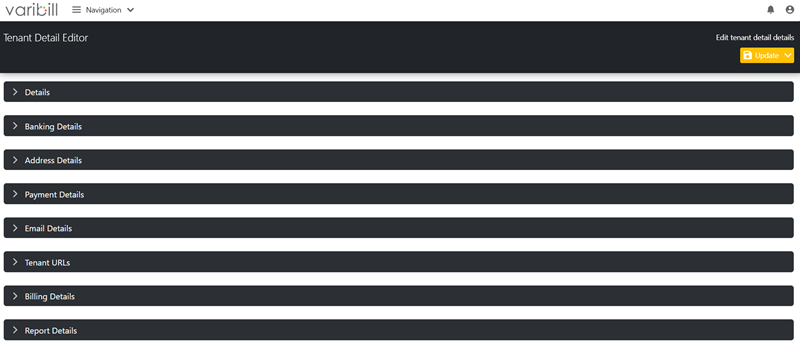
Details
Define core Tenant information.

- Name
- Registration Number
- Tax Registration Number
- Email
- Phone Number
- Fax Number
- Country
Banking Details
Configure banking information used for billing and invoice presentation.

Address Details
Define the tenant’s physical address used on invoices and reports.

Payment Details
Define default payment terms.

- Payment Terms Minimum
- Payment Terms Maximum
Email Details
Configure email sender information for system-generated communications.

Tenant URLs
Define system endpoints used by the tenant.
- App URL
- API URL
Billing Details
Configure billing-specific behavior.

- Round Billing (controls how calculated amounts are rounded (e.g. to the nearest cent) before invoice totals are generated).
- If the “Round Billing” box is checked, decimal place numbers for rounding can be set in the “Decimal Places” field.
Report Details
This section replaces the Varibill Classic (Legacy) Document Template page.
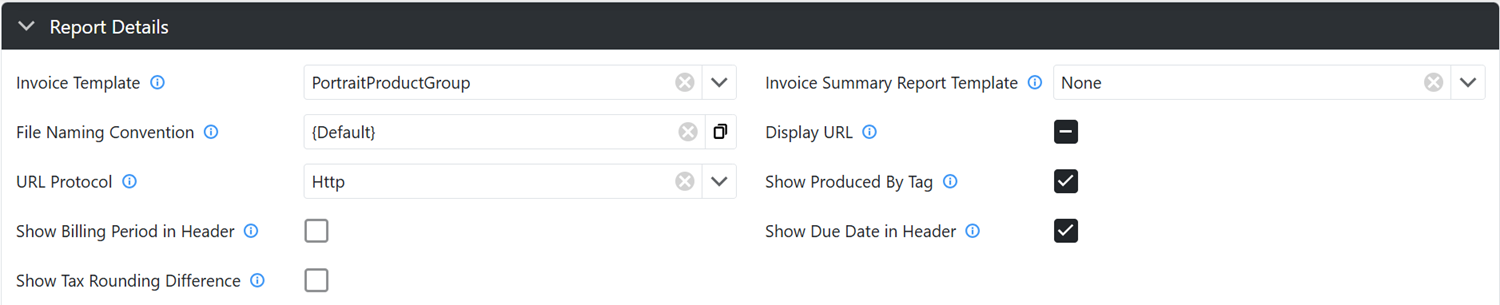
Configure how invoices and reports are generated and displayed.
Templates and Formatting
- Invoice Template
- Invoice Summary Report Template
- File Naming Convention
- URL Protocol
Display Options
- Show Billing Period in Header
- Show Due Date in Header
- Show Produced By Tag
- Show Tax Rounding Difference
Invoice Content
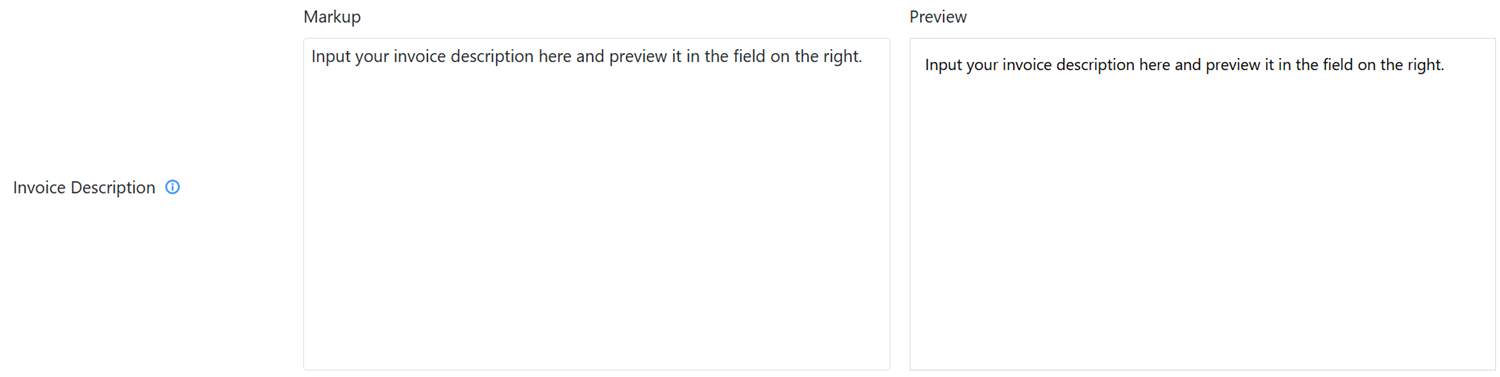
- Markup Editing Field
- Markup Preview Field
Report Branding
Configure colors and visual styling for invoices and reports.

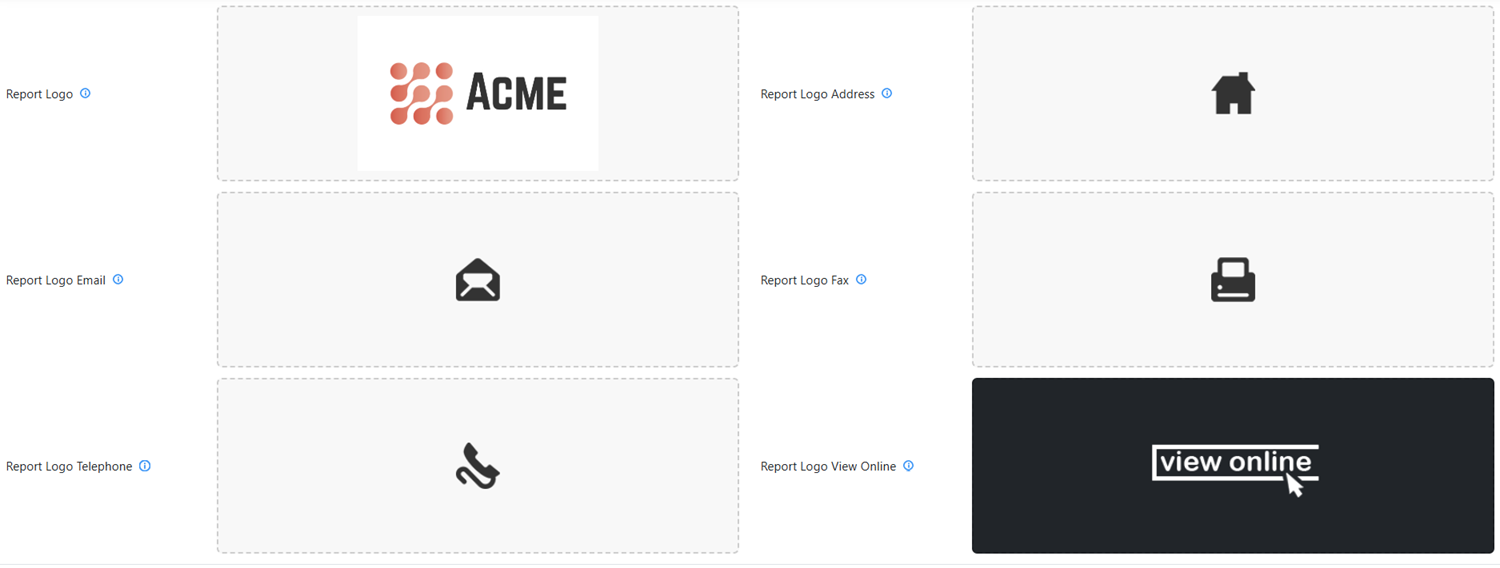
Report Logos
Upload branding assets used in reports.
Notes
- Changes to these settings may affect invoice generation and
formatting
- Ensure branding and email details are correctly configured before
generating invoices
- Some settings may depend on your billing configuration or integration setup
Was this article helpful?
That’s Great!
Thank you for your feedback
Sorry! We couldn't be helpful
Thank you for your feedback
Feedback sent
We appreciate your effort and will try to fix the article