If you are an existing Varibill customer accessing the Varibill User Interface for the first time, please follow the instructions below:
- Access the following link through your browser: https://ui.varibill.com/, or copy and paste the URL directly into the address bar. You should automatically be directed to the Login page, offering access through Single Sign On (SSO).
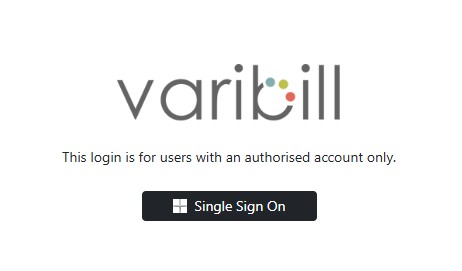
3. Click the Single Sign On button to begin verification and redirection.

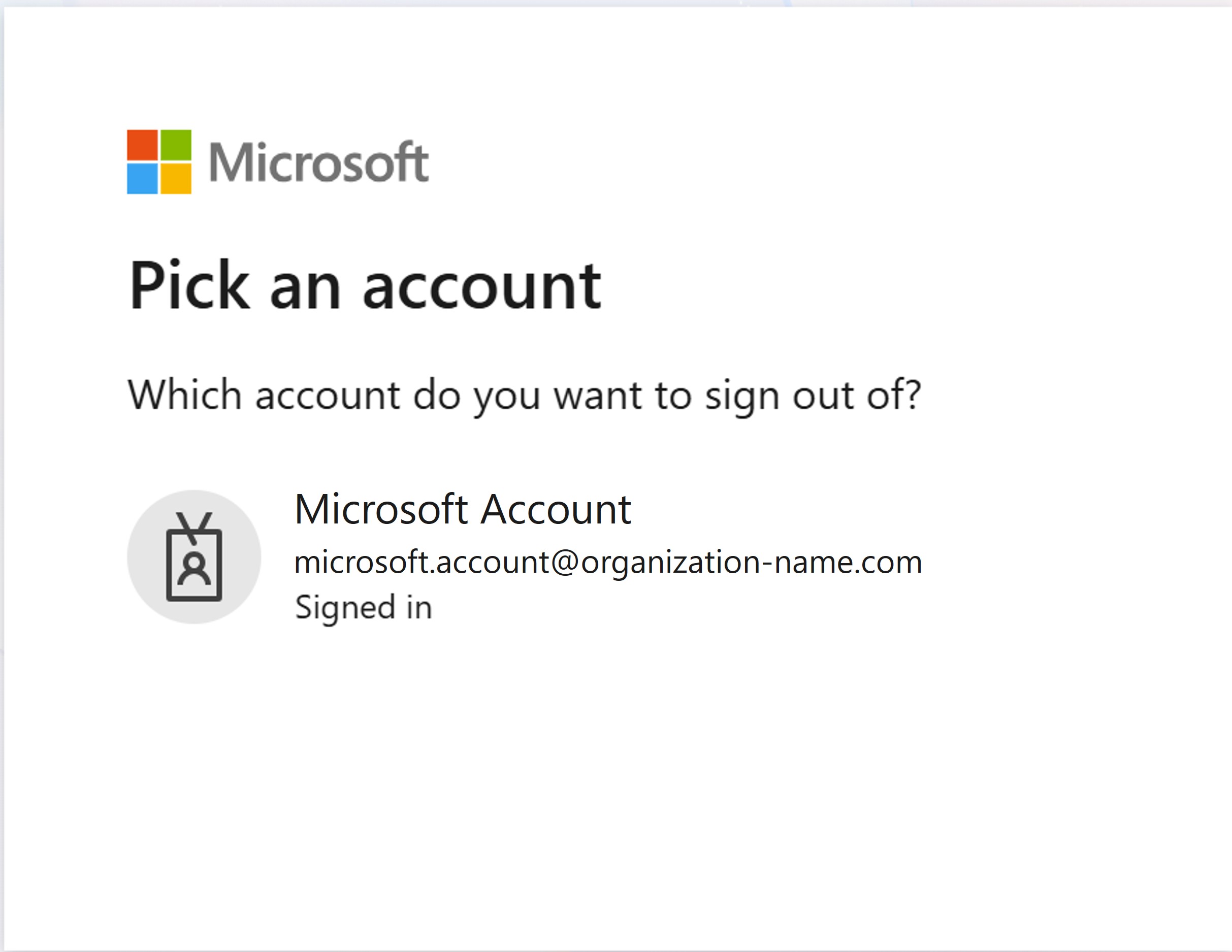
4. You will be prompted to select the Microsoft account you wish to use to sign in using SSO.
These are typically the same Microsoft account credentials you have been assigned by your organisation.
5. On successful login, you should see the Varibill Dashboard.

Note: Should you experience login issues, please do not hesitate to contact our Support Team on support@varibill.com, or click here to submit a support ticket.
Was this article helpful?
That’s Great!
Thank you for your feedback
Sorry! We couldn't be helpful
Thank you for your feedback
Feedback sent
We appreciate your effort and will try to fix the article