Overview
If you are an existing Varibill customer accessing the Varibill User Interface for the first time, follow the instructions below to log in using Single Sign On (SSO).
Logging In
Open your browser and navigate to
https://ui.varibill.com/, or copy and paste the URL directly into the address bar. You should automatically be directed to the Login page, offering access through Single Sign On (SSO).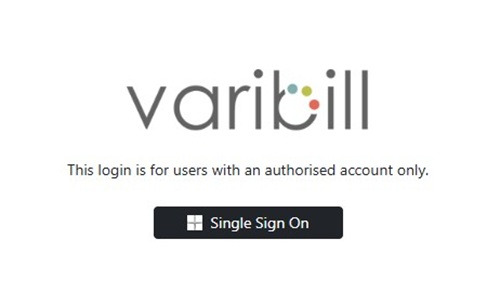
Login Page Click the Single Sign On button to begin verification and redirection.
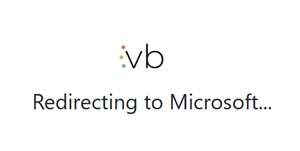
Single Sign On Button You will be prompted to select the Microsoft account you wish to use to sign in. These are typically the same Microsoft account credentials you have been assigned by your organization.
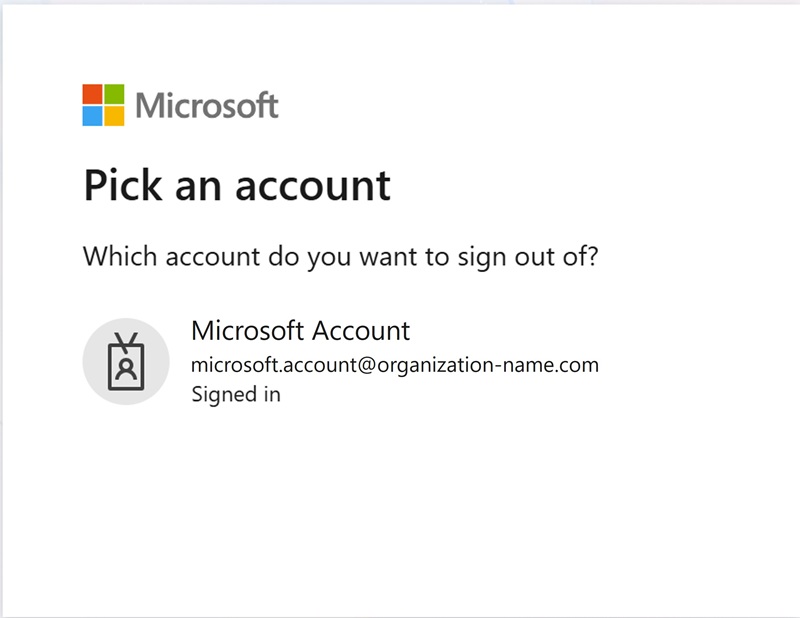
Microsoft Account Selection On successful login, you should see the Varibill Dashboard.

Varibill Dashboard
Tip: Bookmark https://ui.varibill.com/ in your browser
for quick access in future.
Troubleshooting
If you experience login issues, contact the Varibill Support Team:
- Email: support@varibill.com
- Support Ticket: Submit a support ticket
Note: Ensure you are signing in with the Microsoft account assigned by your organization. Personal Microsoft accounts may not have access to Varibill.
Was this article helpful?
That’s Great!
Thank you for your feedback
Sorry! We couldn't be helpful
Thank you for your feedback
Feedback sent
We appreciate your effort and will try to fix the article